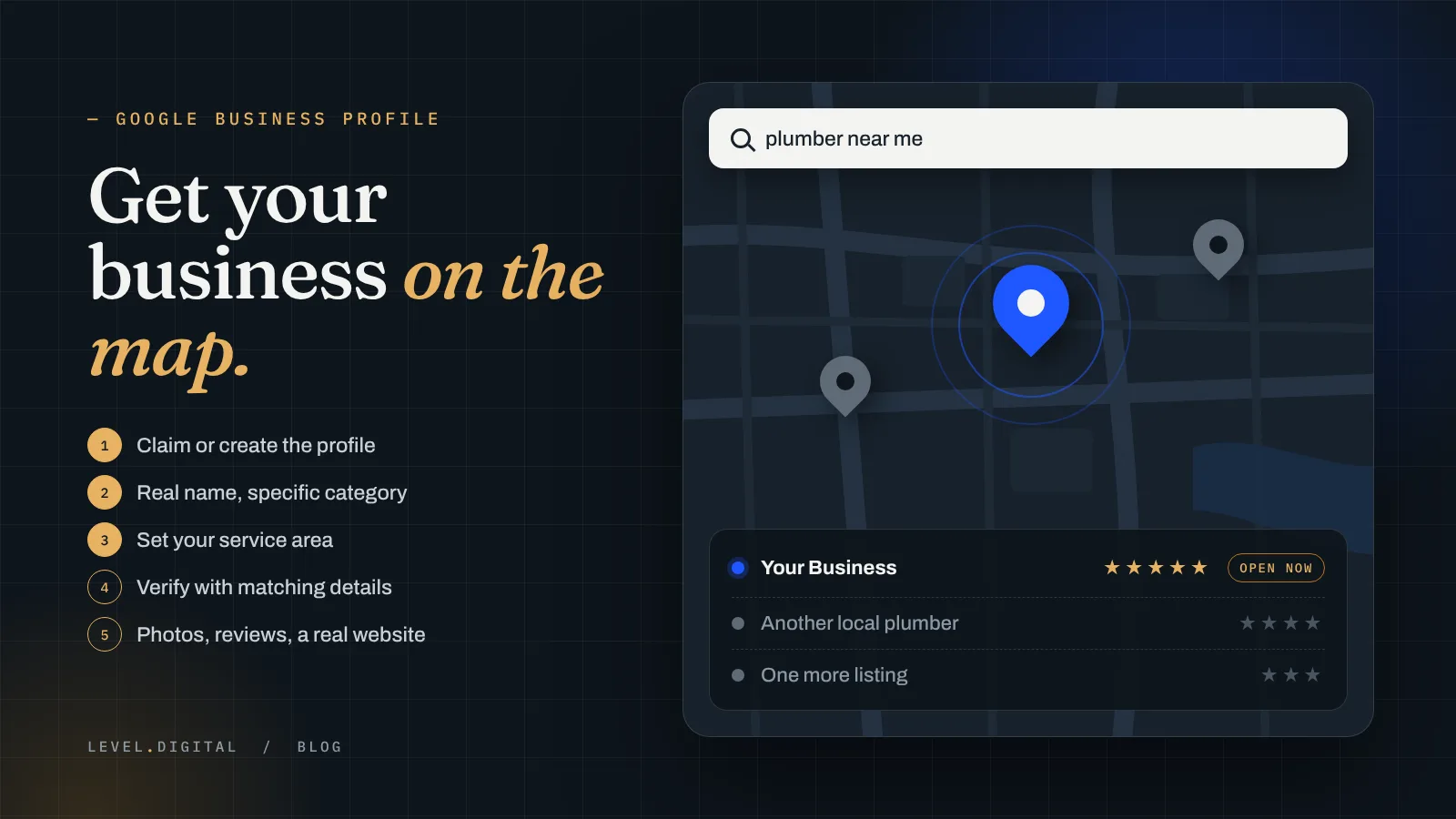
When someone in your town searches “plumber near me” or “roofer” on their phone, the first thing they see is a map with three businesses on it. If you’re not on that map, you’re not in the running. Here’s how I’d get a service business on Google Maps, step by step, and what to do when it won’t show up.
How do I get my business on Google Maps?
You don’t add yourself to Google Maps directly. You create a free Google Business Profile, and once it’s verified, that profile is what shows up on Maps and in the map results on Google search.
- Search for your business first. Google sometimes makes a listing on its own from directories or old info. If one exists, claim it instead of making a second one. Duplicates cause problems later.
- Go to Google Business Profile and sign in with a Google account you’ll keep. Use a business account, not the nephew who set it up for you five years ago.
- Enter your real business name. Exactly what’s on your truck, your sign and your invoices. Don’t add “Best Plumber Virginia Beach” to it. That gets profiles suspended.
- Pick your primary category. “Roofing contractor,” “HVAC contractor,” “House cleaning service,” “Landscaper.” This one choice matters more than almost anything else on the profile.
- Add your phone number and website, then verify.
That’s the whole setup. It takes maybe half an hour. The work that comes after is what gets you seen.
Can I show up on Google Maps if I don’t have a shop or storefront?
Yes. Most of the trades work this way. An electrician running out of a van, a cleaning company that goes to the customer, a landscaper with a trailer: Google calls these service-area businesses.
When you set up the profile, say that you serve customers at their location. Then hide your address (if you work from home, you don’t want it on the map) and list the cities or areas you actually cover. Google still needs your address to verify you, it just won’t show it.
Keep the service area honest. Listing every town within two hours doesn’t make you show up in all of them. Google mostly ranks you near where you’re based. To reach further towns, you need city pages on your website, which I’ll get to below.
How does Google verify my business?
Google decides which options you get, and they’re different for different businesses. It might be a phone call or text, an email, a postcard with a code, or a short video where you show your business is real.
If you get the video option, plan it before you hit record. Show something that ties you to the business: your work truck or van with the name on it, your tools and equipment, a business document, and the street or area you work from. One continuous clip, no cuts.
Two things slow verification down. One is info that doesn’t match: a different name or phone number on your website than on the profile. The other is editing the profile over and over while it’s being reviewed. Get it right once, submit, and leave it alone.
Why isn’t my business showing up on Google Maps?
I hear this one a lot. The usual reasons, in the order I’d check them:
- It isn’t verified yet, or verification failed and nobody noticed.
- The profile is suspended. Keyword-stuffed names, fake addresses and virtual offices are the common causes.
- Wrong or vague category. “Contractor” when you’re really a roofer. Google matches searches to categories first.
- You’re searching from the wrong place. Map results depend on where the person searching is. Search from your house and you might show up; search from across the county and you might not. That’s normal.
- The profile is thin. No photos, no services listed, few or no reviews, no website. Next to a competitor with all of that, you lose.
- It’s new. A brand new profile usually takes some time to start showing for anything but your business name.
Search your exact business name first. If you show up for that, the profile works and the problem is ranking, not listing.
How do I rank higher on Google Maps?
Google says it ranks local results on three things: relevance (does your profile match the search), distance (how close you are to the person searching) and prominence (how well known and trusted you are). You can’t move your shop, so work on the other two.
- Fill out everything. Every service you offer, with a short description. Hours. Service areas. Secondary categories that are true, like “water heater installation” for a plumber.
- Add real photos. Your crew, your trucks, finished jobs. Not stock photos. Keep adding new ones.
- Get reviews, steadily. Ask every happy customer, right after the job, with a direct link. A few every month beats a burst once a year. And reply to every one, good or bad.
- Link a real website. My first “website” was a Google Doc with a QR code, and people thought it looked like a scam. A profile that sends people somewhere like that loses the call. Your site should list the same name, phone and service areas as the profile, and have a page for each main service and each town you cover. If your site is up but quiet, I covered the usual reasons in why your service business website isn’t getting calls.
- Keep your info the same everywhere. Yelp, Angi, the BBB, Facebook, your local chamber. Same name, same phone, same website. Mismatches confuse Google.
- Post now and then. A seasonal offer, a finished job, a tip. It shows the business is active.
None of this is fast. It’s steady work that adds up, and it’s the same work that brings in calls that don’t cost you per click.
The short version
- Google Maps listings come from a free Google Business Profile. Claim yours or create one.
- No storefront? Set it up as a service-area business and hide your address.
- Use your real business name and the most specific category you can.
- Verify once with info that matches your website, then leave it alone until it’s done.
- To rank higher: complete profile, real photos, steady reviews, a real website and the same info everywhere.
Want your Google Maps listing set up for you?
This is a big part of what we do at Level Digital Studio for plumbers, roofers, HVAC companies, electricians, landscapers, cleaning companies, salons and every other kind of local service business. We build it, connect it, and hand it to you ready to take calls.
- Website builds. Our Plumb build is $899 for a sharp site up to 7 pages, with Google Business Profile setup included. Level is $1,699 with booking integration, a Google reviews feed and five city pages, and True is $2,999 for multiple cities and trades.
- No money up front? The Foundation bundle is $199 a month on a 12-month term: a Plumb-level site, hosting and care, plus Google Business Profile management, with no upfront build fee.
- Ongoing Maps and local SEO. Our SEO plans start at $299 a month with profile optimization, 4 profile posts a month, citation cleanup and review request templates. Growth is $599 a month and adds a review generation system and new pages. Authority is $999 a month. All month to month.
- Need calls sooner? Google Ads management is from $299 a month plus ad spend, and Google Local Services Ads management is from $250 a month.
- More towns. Extra city pages are $99 each.
- Care plans. Keep Level is $49 a month and Keep Level+ is $99 a month to keep the site updated and backed up.
- Not sure where you stand? A site audit is $149 and includes a Google Business Profile score. It’s credited toward a build if you go ahead.
If you’re wondering what a full site would run you, I broke it down in how much a small business website costs. Or just use the free site read below.
Questions business owners ask me
How do I get my business on Google Maps?
Create or claim a free Google Business Profile, use your real business name and the most specific category, add your phone and website, and verify it. Once verified, the profile shows on Google Maps.
Can I be on Google Maps without a storefront?
Yes. Set the profile up as a service-area business, hide your address and list the cities you actually serve. Google still needs the address to verify you but will not show it.
Why is my business not showing on Google Maps?
The usual reasons are an unverified or suspended profile, a vague category, searching from too far away, a thin profile with few photos or reviews, or a profile that is still new.
How do I rank higher on Google Maps?
Fill out every part of the profile, add real photos, get reviews steadily and reply to them, link a real website with the same info and city pages, and keep your name, phone and website the same everywhere.
Not sure why you’re not on the map?
Tell me your trade, the towns you cover and your business name. I’ll look at your Google profile and your site and tell you straight what’s holding you back and what I’d fix first.
Get a free site read →