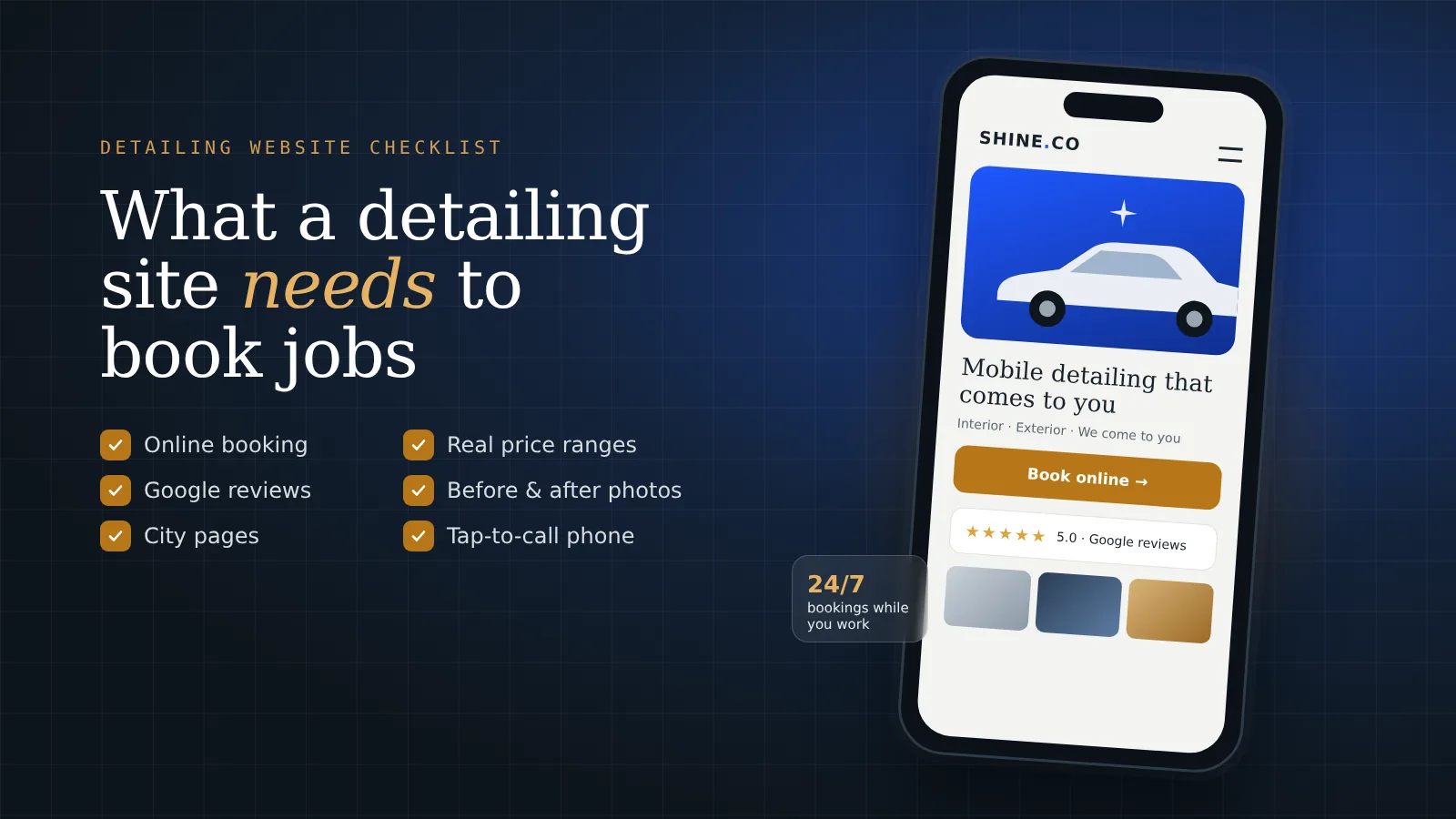
I run a mobile detailing business in Virginia Beach, and for months my “website” was a Google Doc with a QR code. Here is what I put on the real one, and what I’d tell any detailer building theirs.
What does a customer need to see first?
Three things, fast: what you do, where you do it, and how to book. If you’re mobile, say it right at the top. People want to know you come to them.
My first site was a Google Doc. I had a QR code on it and everything, and people still thought it looked like a scam. That’s the part nobody tells you. Before a customer cares about your prices, they’re deciding if you’re a real business. If they can’t tell in a few seconds, they hit back and call the next guy. I wrote more about that in whether a detailing business needs a website at all.
Do detailers really need online booking?
Yes. On Prime Shine I use Square Appointments, and the booking button is the most important thing on the page.
When I’m on a job I can’t answer the phone with gloves on and a machine running. A customer who finds you and has to wait for a callback might book somebody else while they wait. A booking button lets them pick a time right then, whether you’re free to talk or not.
If you already use Square, Jobber or Housecall Pro, connect that one. You don’t need anything fancy.
Should you put prices on a detailing website?
Put ranges. You can’t give an exact number for every car, but you can give people a starting point.
My interior deep cleaning and mold work runs around $200 to $350 depending on how bad it is. Saying that up front saves both of us time. The customer knows what they’re getting into, and I’m not spending my evening on calls with people who were expecting $50.
When there are no prices at all, people assume it’s expensive, or they assume you’ll make the number up once you see the car. Neither one gets you booked.
How much do reviews and photos really matter?
More than anything you write about yourself. Anybody can say they do great work. A stranger saying it is different.
Prime Shine has over 50 Google reviews now, and I show them on the site, not only on Google. Put them close to the booking button, so people see them right when they’re deciding.
For photos, use your own. Before and after of real cars you did, even phone pictures. A stock photo of a perfect shiny car doesn’t prove anything, and customers can tell.
How do you show up in every city you serve?
Give each city its own page. Prime Shine has separate pages for the areas I cover around Hampton Roads: Virginia Beach, Norfolk, Chesapeake and the rest.
When somebody searches “mobile detailing Chesapeake,” Google wants to show a page that’s actually about Chesapeake. One homepage that lists eight cities in a sentence doesn’t do that nearly as well.
Just don’t copy and paste the same page and swap the city name. Write a little something real for each one, like the neighborhoods you go to or the kind of jobs you get there. Copy-paste pages are easy to spot, for Google and for people.
The short version
- Say what you do, where, and that you come to them, right at the top.
- A booking button that works, connected to whatever you already use.
- Price ranges, so nobody is guessing.
- Real reviews, shown on the site near the booking button.
- Your own before-and-after photos.
- A page for each city you serve.
- A phone number people can tap to call.
That’s what I built for Prime Shine. It took me about a month to get right. I’d gone five or six months without a real site, and in the first week after it went live I had a customer, then three more orders two weeks later. If your site is missing more than two things on this list, that’s probably where your bookings are going.
Want all of this done for you?
This is exactly what we set up at Level Digital Studio. You don’t have to figure out booking connections, review feeds or city pages yourself. We build it, connect it, and hand it to you ready to take jobs.
- A website that books jobs. Everything on the list above, built for your business. Website builds start at $899 flat. Our Level build ($1,699) includes the booking integration, a live Google reviews feed and five city pages.
- SEO management. A good site still has to show up when people search in your cities. SEO plans start at $299 a month, month to month.
- Ads management. If you need jobs this month, not in three months, we run Google Ads from $299 a month plus ad spend, and Google Local Services Ads from $250 a month.
- Care plans. Hosting, backups, updates and small edits from $49 a month, so the site keeps working while you’re out on jobs.
I built all of this for my own detailing business first, and now we do it for other service businesses. If you’re not sure what you need yet, start with the free site read below.
Questions detailers ask me
What should be on a mobile detailing website?
At minimum: what you do and where, a working online booking button, price ranges, real Google reviews, your own before-and-after photos, a page for each city you serve, and a phone number people can tap to call.
Should detailers show prices on their website?
Show ranges rather than exact prices. A range like $200 to $350 for interior deep cleaning, depending on condition, tells customers what to expect and filters out people looking for a much cheaper job.
What booking system should a detailing website use?
Whatever you already run your schedule on. Square Appointments, Jobber and Housecall Pro all connect to a website, so customers can pick a time without waiting for a callback.
Do I need a separate page for every city I serve?
It helps a lot for local searches. Google prefers to show a page that is actually about the city someone searched. Each page should have something real about that area, not the same text with the city name swapped.
Want your detailing site checked against this list?
Send me your site, or tell me you don’t have one yet. I’ll tell you straight which of these are missing and which one to fix first.
Get a free site read →