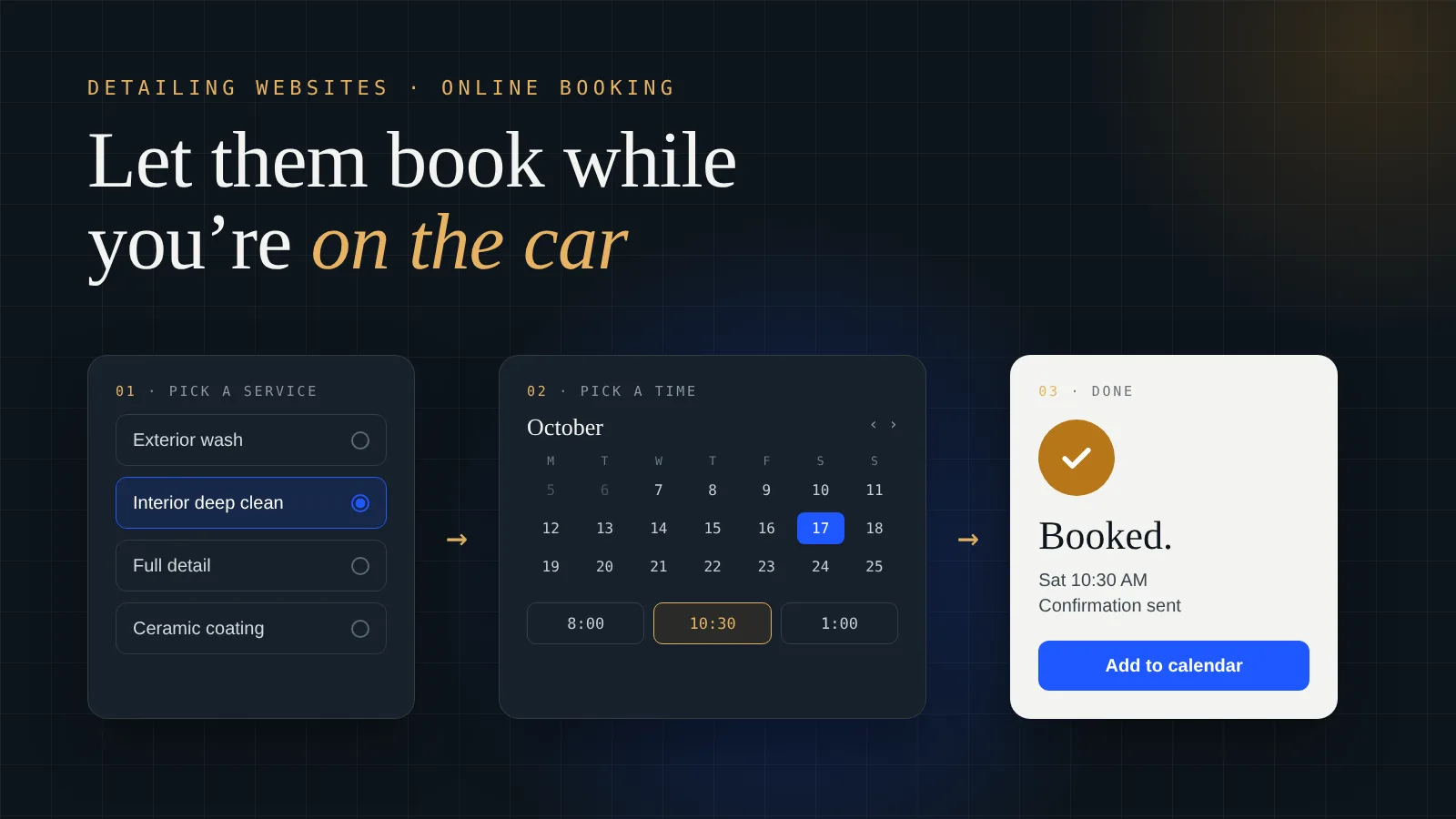
The booking button is the most important thing on my detailing website. If you’re putting together a detailing business website with online booking, here’s how I’d set it up, from someone who takes bookings this way every week.
Why does a detailing website need online booking?
Because you’re working when people are looking for you. When I’m on a car, I’ve got gloves on and a machine running. I can’t pick up the phone, and I definitely can’t go back and forth over text about which Tuesday works.
A customer who finds you and has to wait for a callback has time to find somebody else. A customer who can pick a time right there is booked before they close the tab. That’s the whole reason.
It also makes you look like a real business. My first “website” was a Google Doc with a QR code, and people thought it looked like a scam. A proper site with a working booking calendar tells people you’re set up and serious before they ever talk to you.
Which booking system should a detailer use?
I use Square Appointments for Prime Shine. Before you shop around, though, the honest answer is: use whatever you already run your schedule on.
If you take payments through Square already, Square Appointments is the easy pick. If you run your jobs, quotes and invoices in Jobber or Housecall Pro, use their booking. All three can connect to a website. What matters is that a booking lands in the same calendar you actually look at every morning.
The thing to avoid is two calendars. If your website takes bookings in one place and your phone bookings live somewhere else, sooner or later you’ll double-book a Saturday. Pick one system and put everything in it.
What should a customer fill in when they book?
Enough for you to show up ready, and not one field more. Every extra question is a chance for someone to give up halfway.
Here’s what I’d ask for:
- The service. Make your services the options to choose from, not a blank box.
- The vehicle. Year, make and model, or at least car, SUV or truck. Size changes the time and the price.
- The address. If you’re mobile, you need to know where you’re going, and whether it’s inside the area you cover.
- Name, phone and email. So the booking tool can send a confirmation and a reminder.
- A notes box. Pet hair, stains, a smell, anything they want you to know.
Keep the price ranges on the page next to the booking button. My interior deep cleaning and mold work runs $200 to $350 depending on how bad it is. When people see that before they book, nobody is surprised when you show up and look at the car.
Should you take a deposit when someone books online?
That’s your call, and it depends on the job. Most booking tools, Square included, let you take a card or a deposit at booking if you want to.
My advice: for a quick wash or a small job, keep booking as easy as possible and skip the deposit. For the bigger jobs, the ones that take most of your day, a deposit or card on file makes sense. If someone doesn’t show up for a job that size, you’ve lost the whole slot.
Whatever you decide, write your cancellation rule in plain words right on the booking page. People don’t mind a fair rule. They mind finding out about it after.
Where should the booking button go on the site?
Everywhere someone might be ready to book. That means:
- At the top of the homepage, visible on a phone without scrolling.
- On every service page and every city page. Prime Shine has 9 city and service-area pages, and each one has its own way to book.
- Right next to your reviews. That’s the moment people decide.
- On your Google Business Profile. Add your booking link there too, so people can book straight from the search results or the map.
Keep the button the same everywhere: same words, same color. “Book now” is fine. Don’t make it clever.
Then test it yourself from your own phone. Book a fake appointment start to finish and see how long it takes and where it gets annoying. Do it again every few months, because booking links break more often than you’d think. I went through the rest of what belongs on the page in what should be on a detailing website.
The short version
- Online booking catches the customers who find you while you’re busy on a car.
- Use the booking tool you already run your schedule on. One calendar, not two.
- Ask for service, vehicle, address, contact details and notes. Nothing more.
- Show price ranges next to the button.
- Deposits for the big jobs, easy booking for the small ones, and a plain cancellation rule.
- Booking button on every page, next to your reviews and on your Google Business Profile.
- Book a test appointment yourself every few months.
Want your booking set up for you?
This is what we do at Level Digital Studio. You don’t have to figure out how to connect a booking tool, a reviews feed and city pages yourself. We build it, connect it, and hand it to you ready to take jobs.
- A website with booking built in. Our Level build is $1,699 flat and includes the booking integration (Square, Jobber or Housecall Pro), a Google reviews feed and five city pages. See all website builds, which start at $899. If you’d rather not pay up front, the Foundation bundle is $199 a month on a 12-month term.
- SEO management. A booking button only helps if people find the site. SEO plans start at $299 a month, month to month.
- Ads management. If you need bookings this month, we run Google Ads from $299 a month plus ad spend, and Google Local Services Ads from $250 a month.
- Care plans. Hosting, backups, updates and small edits from $49 a month, including keeping your booking link working.
- Already have a site? A site audit is $149, and it covers how your booking flow works on a phone.
I set this up for my own detailing business first. If you’re not sure what you need, the free site read below is the easiest place to start.
Questions detailers ask me
Do detailers need online booking on their website?
Yes. Most people look you up while you are busy on a job. If they have to wait for a callback they may book someone else. A booking button lets them pick a time right away.
What is the best booking system for a detailing business?
The one you already run your schedule on. Square Appointments, Jobber and Housecall Pro all connect to a website. Keep every booking in one calendar so you never double-book.
What should a detailing booking form ask for?
The service, the vehicle or its size, the address if you are mobile, name, phone and email, and a notes box. Leave out anything you do not need to show up ready.
Should a detailer take a deposit for online bookings?
It depends on the job. Keep small jobs easy to book with no deposit. For big jobs that take most of your day, a deposit or card on file protects the slot. State your cancellation rule clearly on the booking page.
Want online booking on your detailing site?
Send me your site, or tell me you don’t have one yet, and which booking tool you use. I’ll tell you straight how I’d set it up and what it would cost.
Get a free site read →